Showing posts with label Green Screen. Show all posts

Friday, May 30, 2025

2nd Grade Green Screens

 This year in 2nd graders learned letter writing in class. They then wrote a letter to their third grade teacher giving information about themselves. Students then practiced reading their writing and created a video to share. 

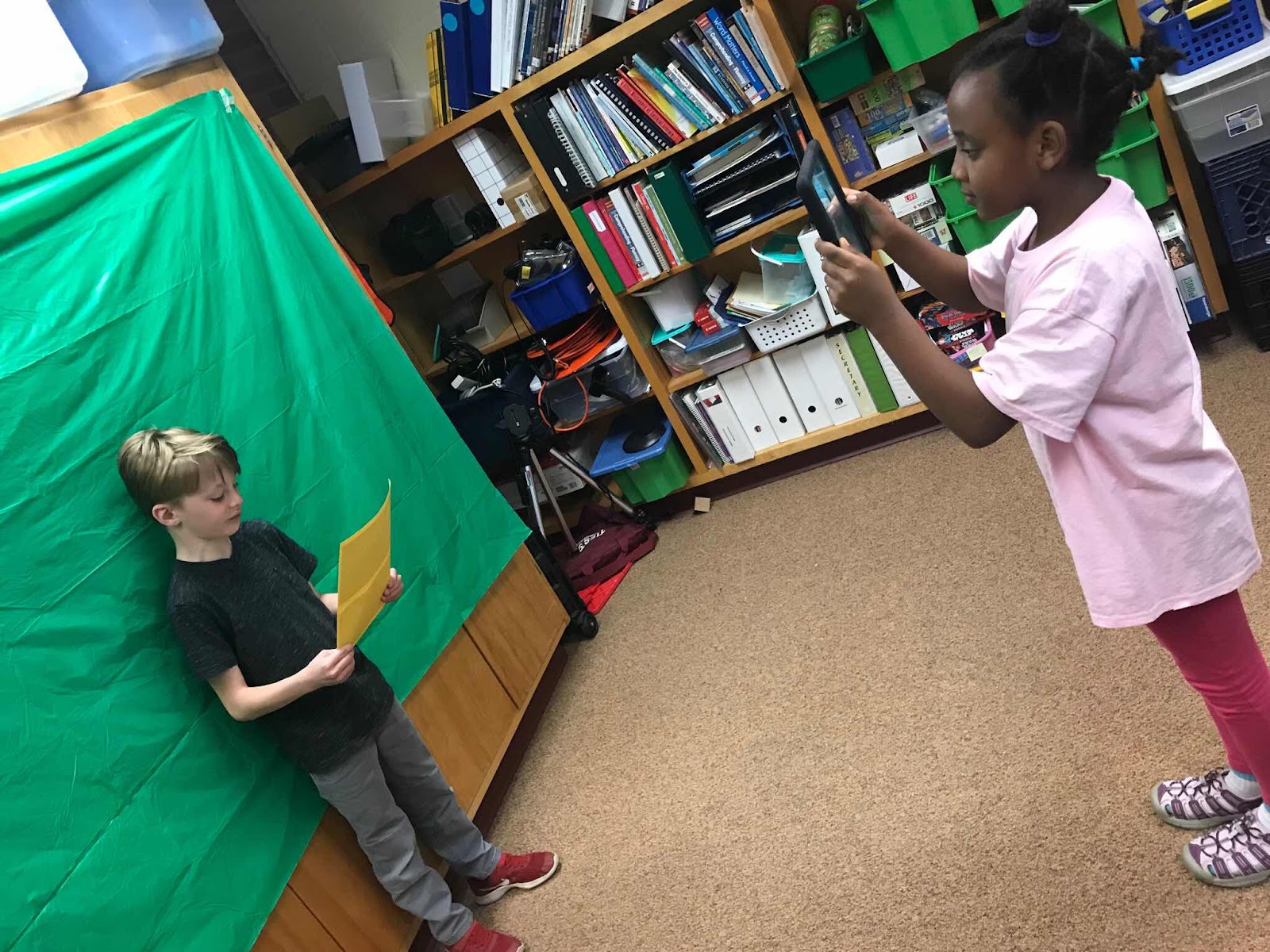
We then learned about Green Screen technology and used Green Screens to record students reading their letters. Students learned how to use the camera to record each other. Then they learned how to find an image and save a photo to the iPad. We then used Green Screen by Do Ink to create their own video with a background that matched their text. Students did ALL of the filming themselves, chose an online image and then used the app Green Screen by Do Ink to share their learning. Enjoy our projects! (Click on Class Name for folder of projects)
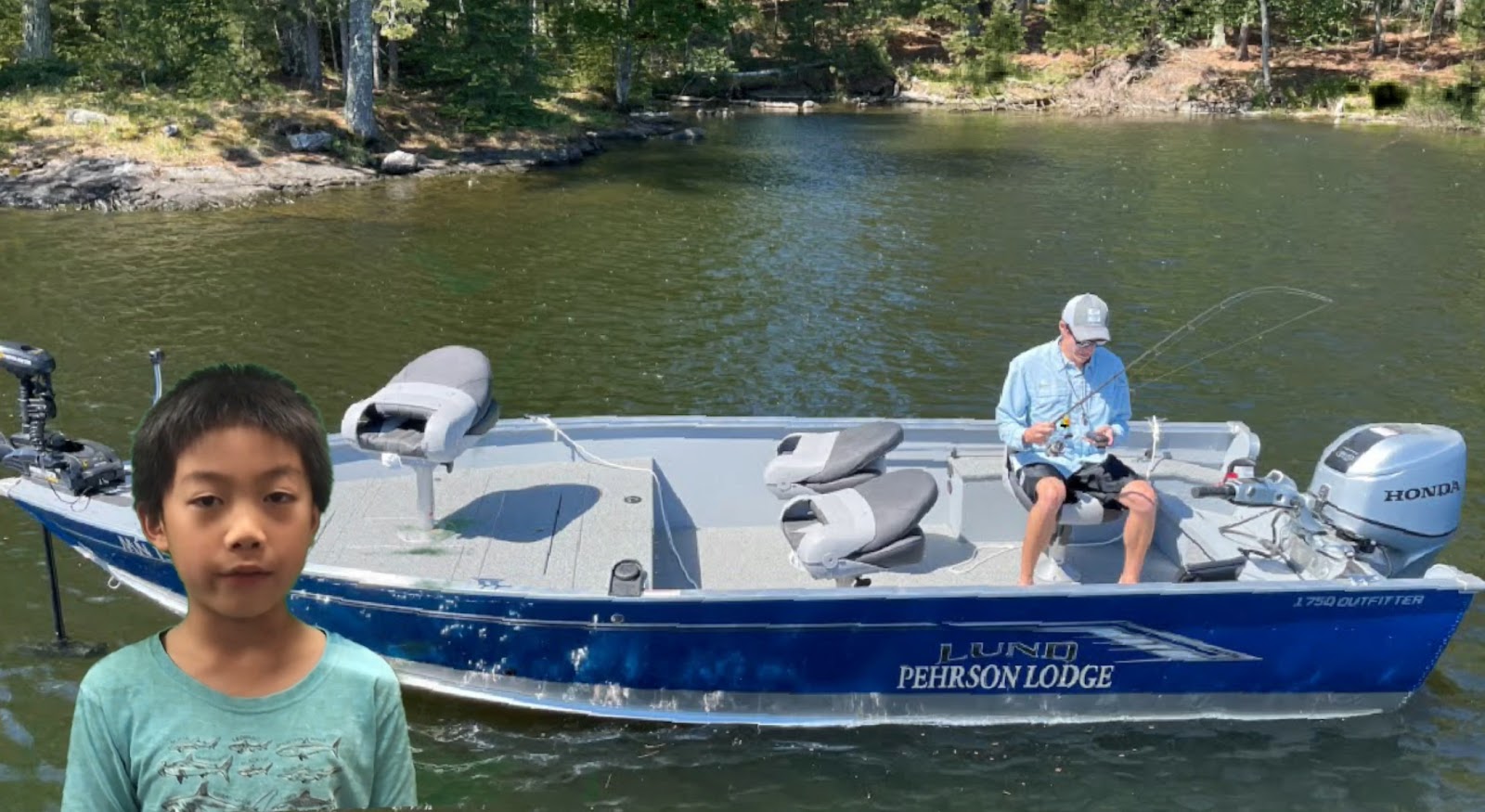
Check out our Great Projects

2 Anderson

2 Halvorson

2 Korbel


Thursday, May 30, 2024

Green Screen Projects

This year in 2nd graders learned letter writing in class. They then wrote a letter to their third grade teacher giving information about themselves. Students then practiced reading their writing and created a video to share. 

We then learned about Green Screen technology and used Green Screens to record students reaading their letters. Students learned how to use the camera to record each other. Then they learned how to find an image and save a photo to the iPad. We then used Green Screen by Do Ink to create their own video with a background that matched their text. Students did ALL of the filming themselves, chose an online image and then used the app Green Screen by Do Ink to share their learning. Enjoy our projects!

2 Korbel

2 Anderson

2 Halvorson

Tuesday, May 30, 2023

2nd Grade Green Screen Projects


This year in 2nd graders learned about opinion writing in class. They then practiced reading their writing and created a video to share. We learned about Green Screens and used Green Screen Technology to record students. Students learned how to find an image save a photo to the iPad and then use Green Screen by Do Ink to create their own video with a background that matched their text. Students did ALL of the filming themselves, chose an online image and then used the app Green Screen by Do Ink to share their learning. Enjoy our projects!


Mrs. Anderson's Class

Mrs Halvorson's Class

Mrs. Korbel's Class

Thursday, June 2, 2022

Green Screen Projects


This year in 2nd graders learned about opinion writing in class. They then practiced reading their writing and created a video to share. We learned about Green Screens and used 
Green Screen Technology to record students. 

Students learned how to do an image search and save a photo to the iPad and then use Green Screen by Do Ink to create their own video with a background that matched their text. 

Students did ALL of the filming themselves, chose an online image and then used the app Green Screen by Do Ink to share their learning.

Enjoy our projects!


Wednesday, April 17, 2019

2nd Grade Adventures

This year in 2nd grade, we learned research skills while studying different landmarks around the U.S.A. After researching many different places throughout the year, students picked one place and wrote about it.

We then used Green Screen Technology to "visit" the locations and report "live on location."  Students did all of the filming themselves, chose an online image and then used the app Green Screen by Do Ink to create their own on location video.

Check out our projects!

2 Anderson


2 Kath


2 Halvorson
How a Green Screen Works

Tuesday, May 29, 2018

Exploring With 2nd Grade

Recording using the green screens!
This year in 2nd grade, we learned research skills while studying different landmarks around the U.S.A. After researching many different places throughout the year, students picked one place and wrote about it.

We then used Green Screen Technology to "visit" the locations and report about them. Students did all of the filming themselves, chose an online image and then used the app Green Screen by Do Ink to create their own on location video.

See How A Green Screen Works:


Check out our Amazing Projects!

2 Anderson

2 Olson

 2 Kath

2 Groth/Rowan